Step 1: Find the submission portal of ICDSEC 2025
I. Click the “https://cmt3.research.microsoft.com/ICDSEC2025” to enter the web page as follows:

|
Submission |
|
Submission Requests for Submissions 1. English is the official language of the conference, and all of the papers should be written and presented only in English. 2. All of the papers should be submitted in WORD and PDF formats, and all of the papers should be typeset according to the template on the official website. 3. All of the papers submitted to the conference should report original, previously unpublished research results, experimental or theoretical, which should not be under consideration for publication elsewhere, and the copyrights of the papers should not have been demised to any institution, organization or individual.
Submission Method Prospective authors are invited to submit their full papers (including all sections, figures, tables, and references) via CMT Submission System: https://cmt3.research.microsoft.com/ICDSEC2025. If you have any questions about submission, you can email to ICDSEC@126.com.
Upon acceptance, authors must register and present their papers. |
Step 1: Find the submission portal of ICDSEC 2025
I. Click the “https://cmt3.research.microsoft.com/ICDSEC2025” to enter the web page as follows:
|
Step 2: Register as a user of CMT(If you are a new user, you need to register. But If you are not a new user of CMT, please skip to step 3-I directly.)
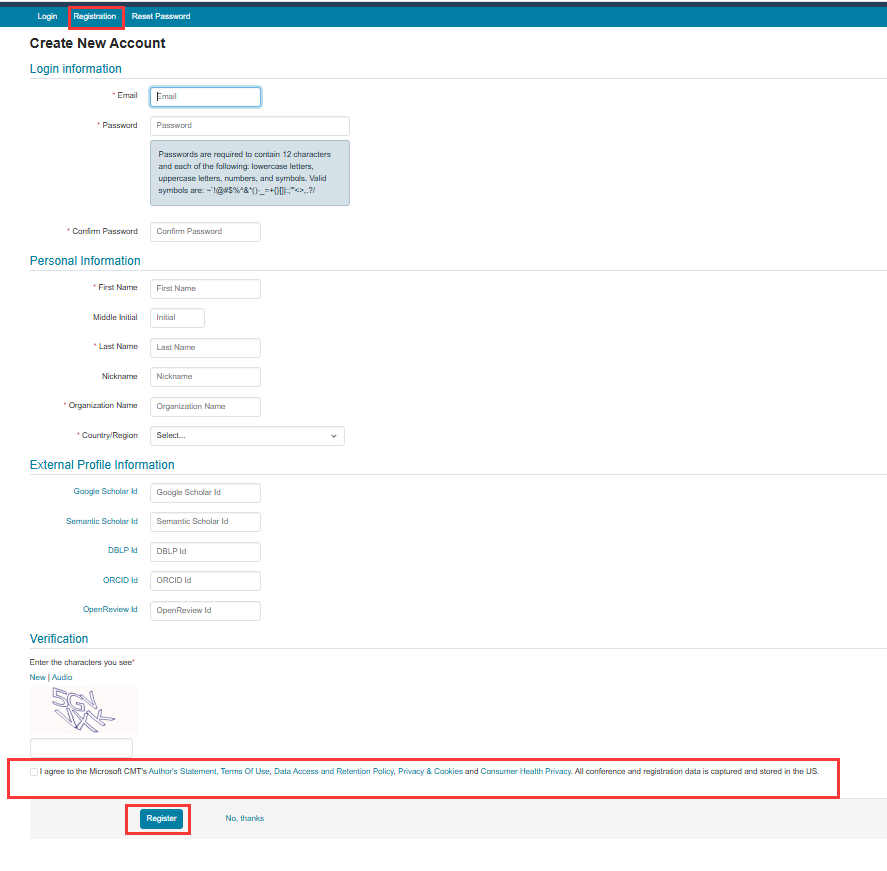
I. Fill in the registration information -----Choose bar ‘Registration’ and fill in the information as follows, the asterisk item must be filled.
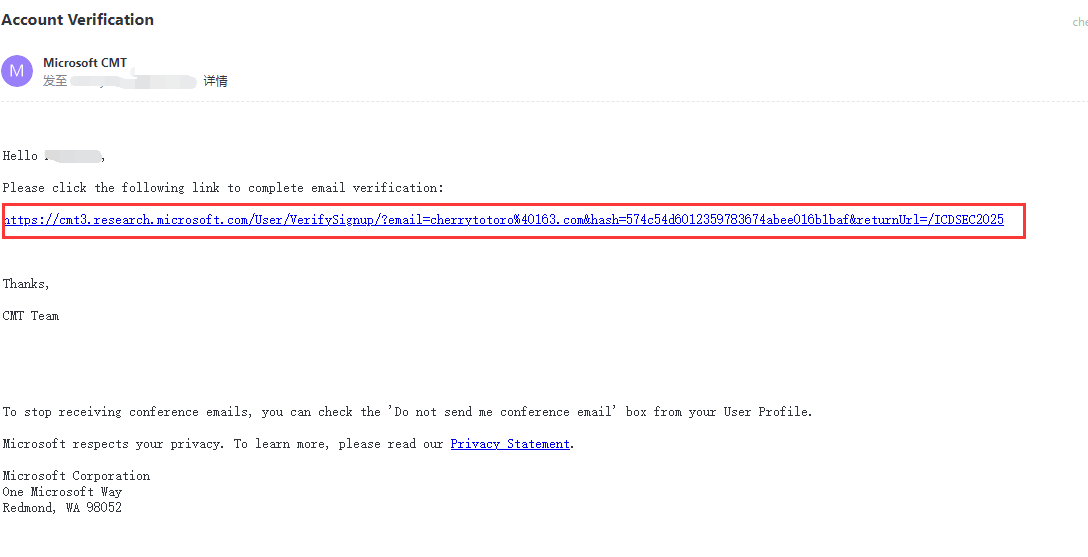
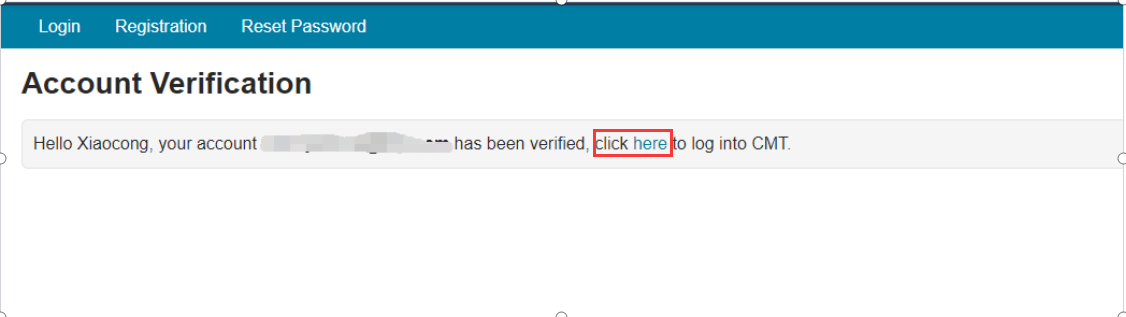
II. Verify your email ---After clicking ‘Register’, the system will send an activation link to the mail address you filled. Please verify your account by clicking the activation link.
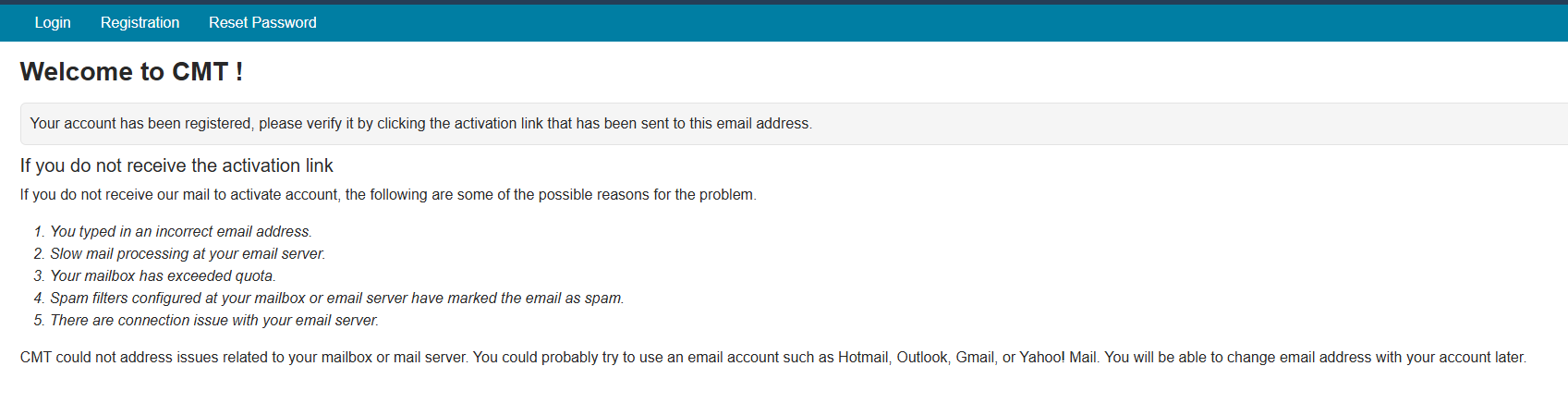
---If you didn’t find the email, there are some possible reasons for the problem, they are listed on the page as follows:
|
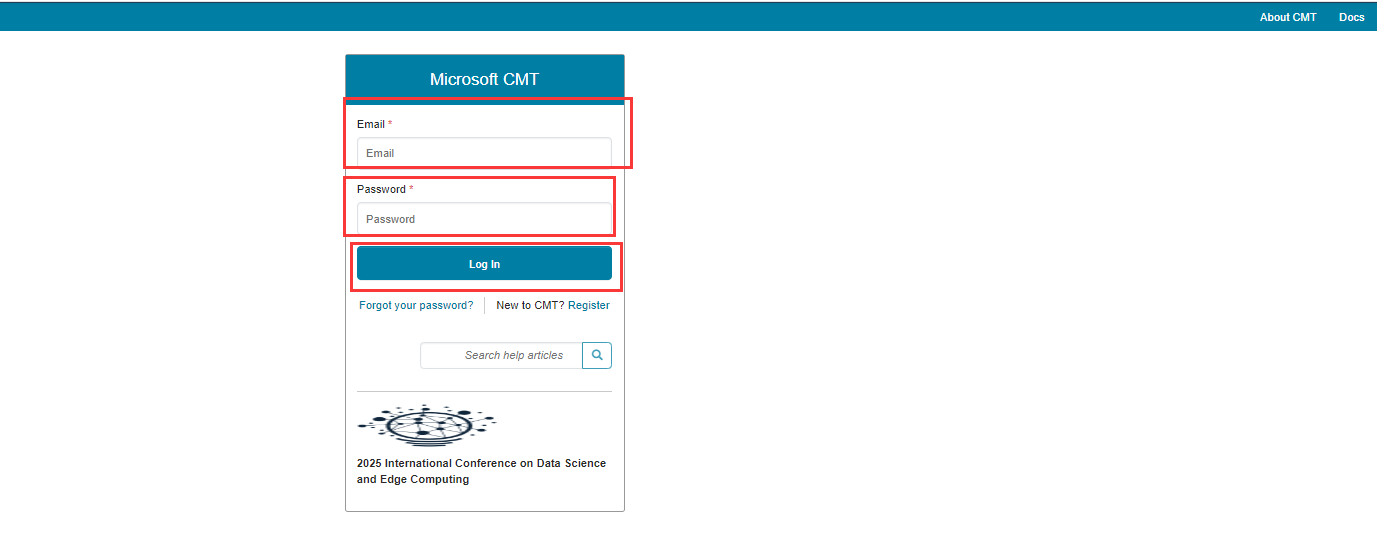
Step 3: Log in CMT
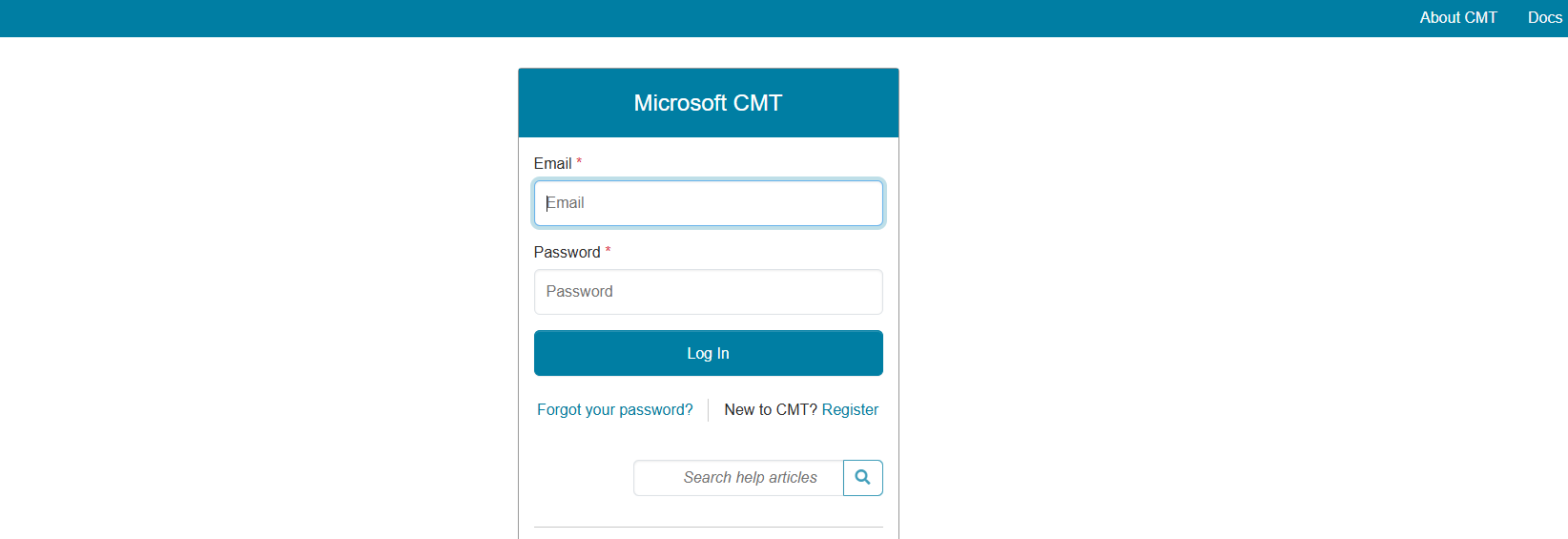
I. After email verification, please click the “https://cmt3.research.microsoft.com/ICDSEC2025” to login the system with your account. Then, you will enter the submission page of ICDSEC2025 in CMT.
|
Step 4: Submit manuscript
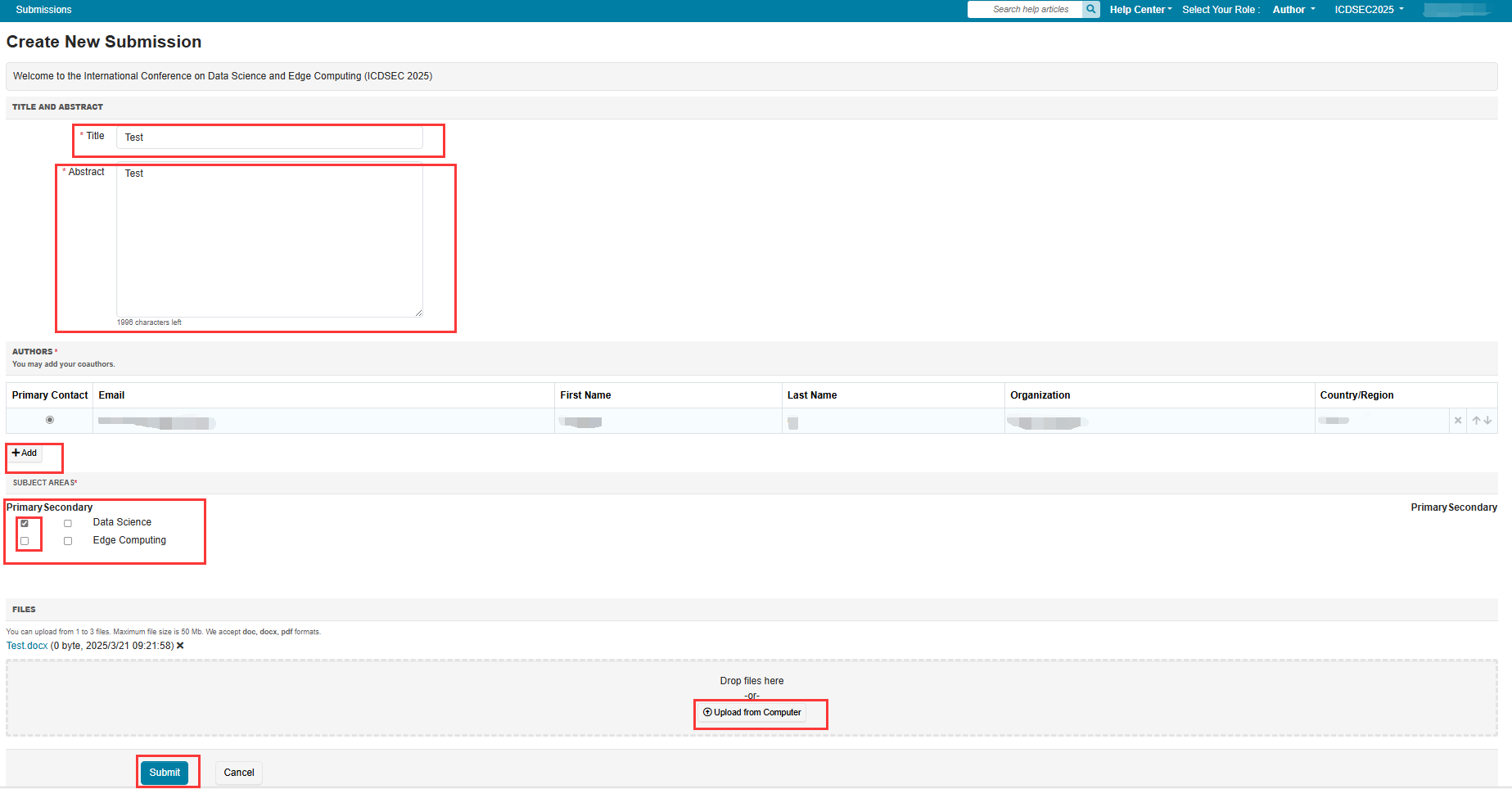
I. Then you will enter the “Author Console” page, click on the “ Create new submission” button.
II. Please fill in your “paper title”, “abstract”, add authors, and choose “Subject Areas” then by clicking the button ‘upload from computer’ to upload the files (PDF),And then click “submit”.
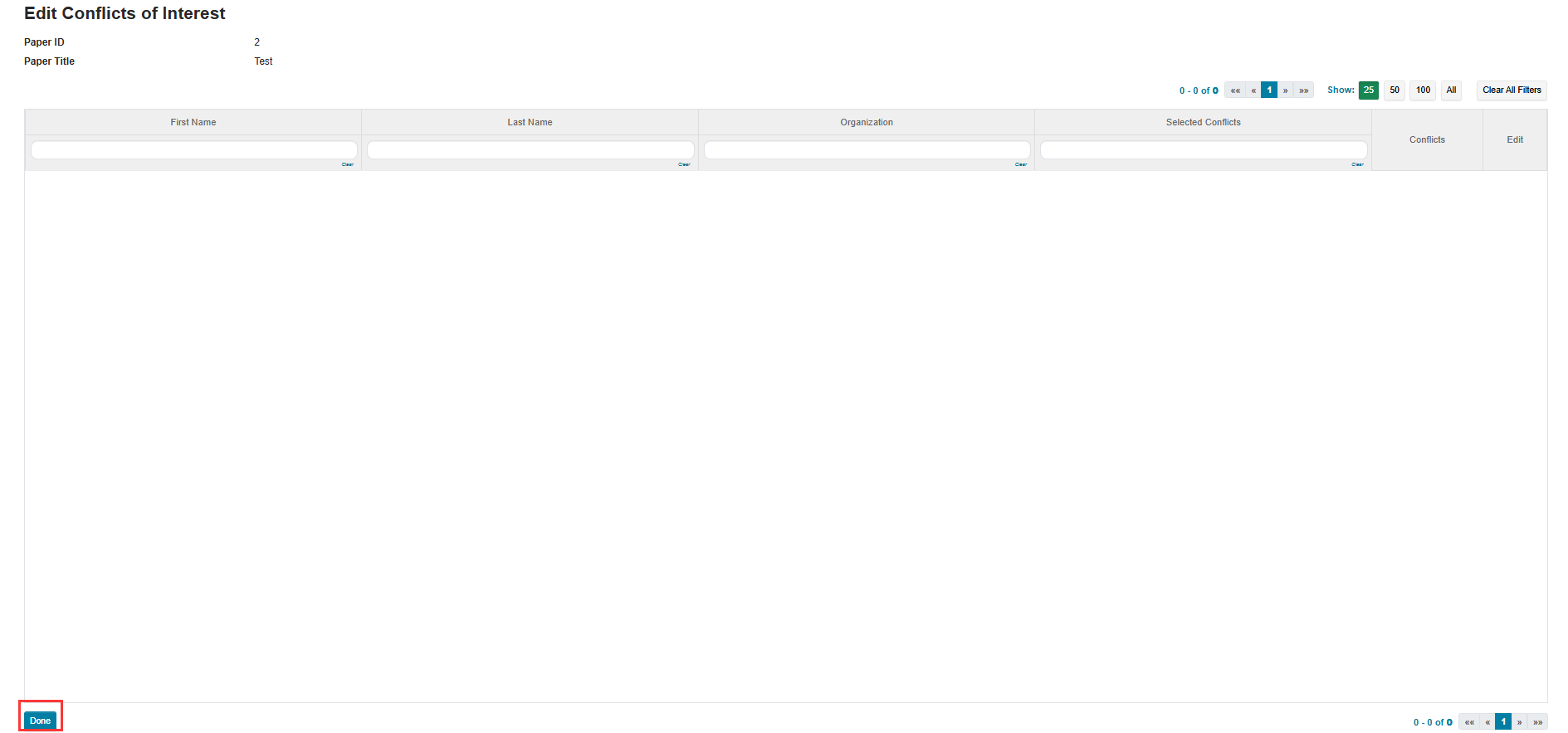
III. And then click “Done”.
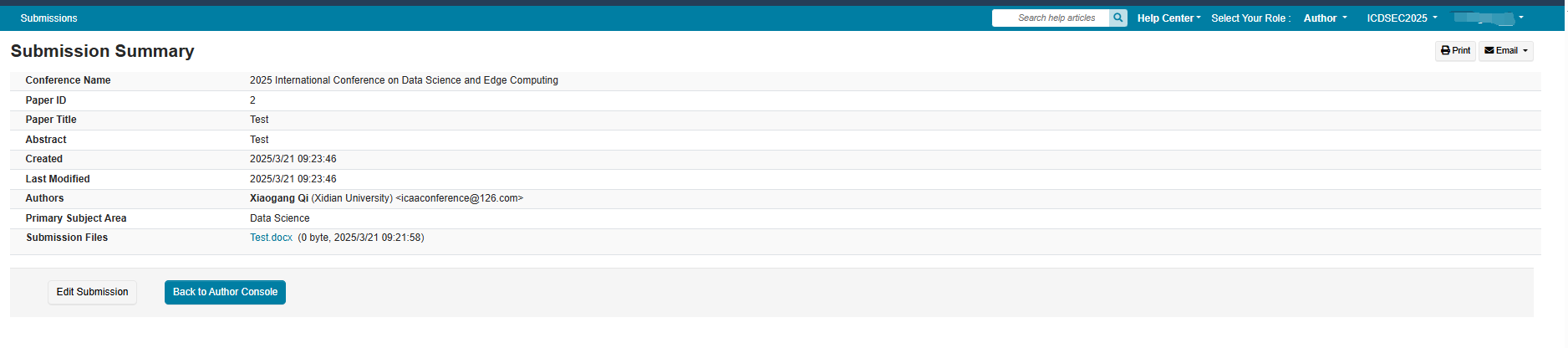
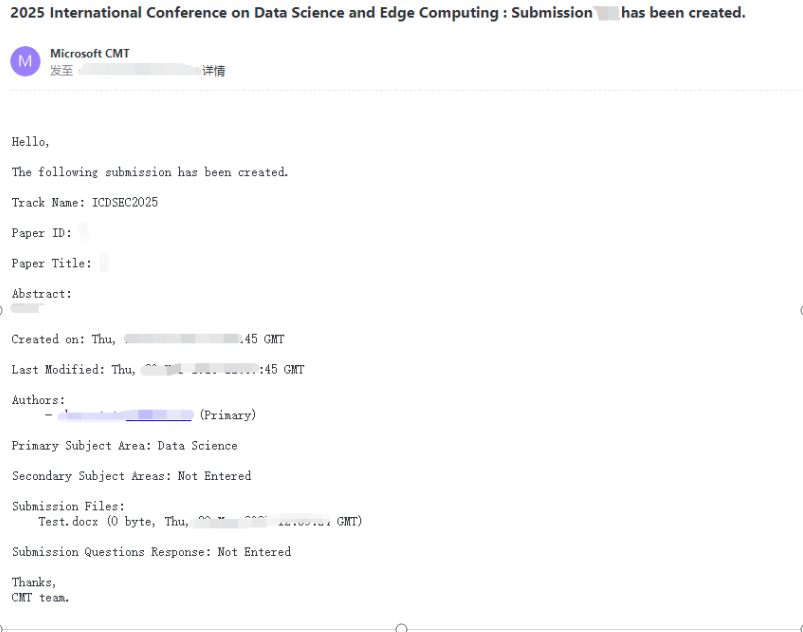
III.Finally, you will receive the email that the system sends to the you, it means that your submission is successful, Congratulations!
|